Grow+

QR table ordering

Scan, order and pay from the table

Stick a QR code on each table. Guests open your menu on their phone, order and pay, and the order arrives in the kitchen with their table number. No app to download.

9:41
QR table menu on a phone for Table T5 at Mak Long Seksyen 7

Included in Starter, Growth and Pro. Compare plans

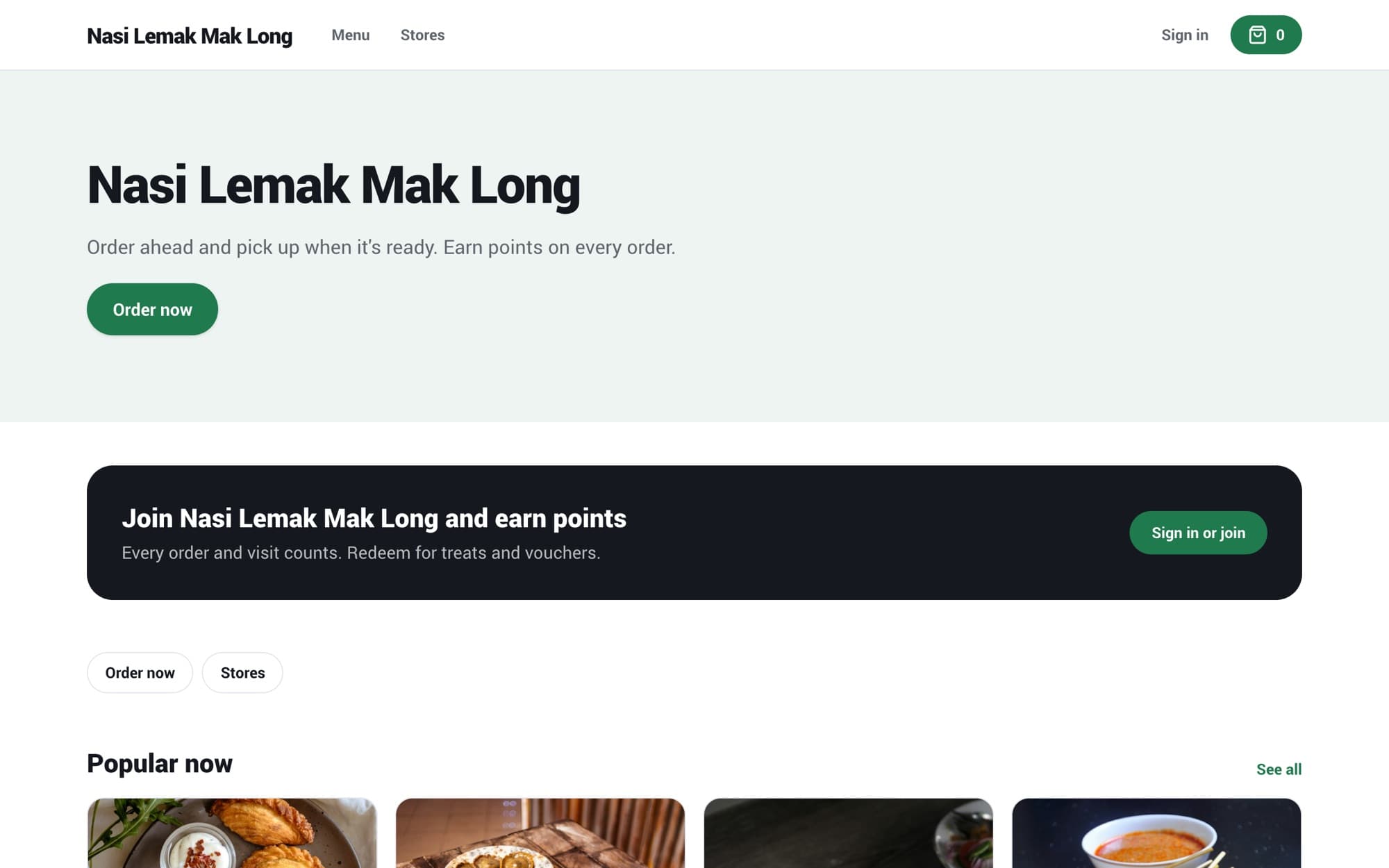
Your menu, on their phone, with the table already set

Each QR code is tied to one table at one branch. The guest scans it and sees your menu with the table shown at the top, so nobody has to type a table number.

  • Same menu and prices as your counter
  • Photos, categories and search
  • A guest who moves table just scans the new code
9:41
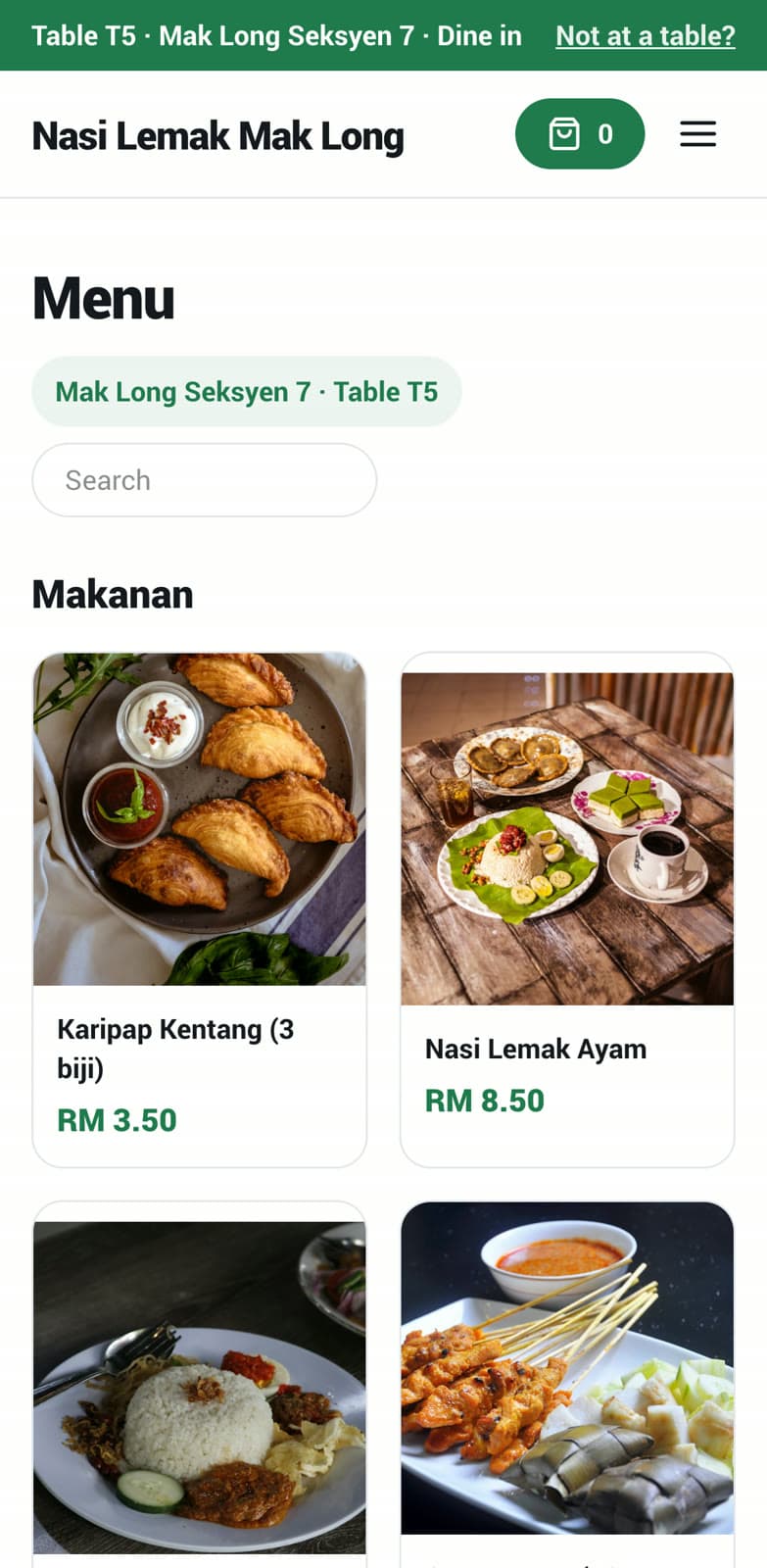
Mobile menu opened from a table QR code

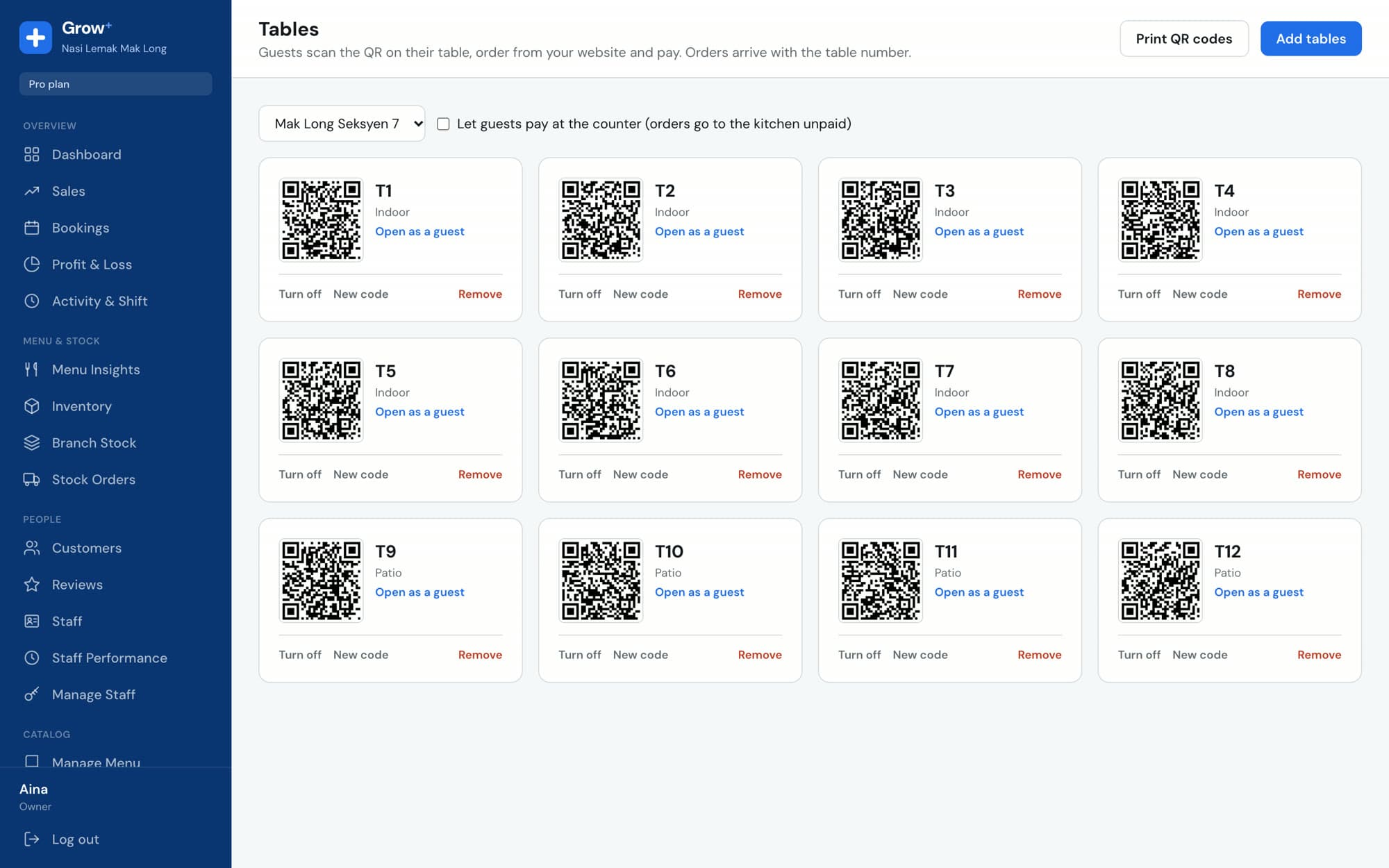
Set up your tables in minutes

Add tables for each branch (T1 to T12, Patio, Bar), then print the sheet of QR codes and stick one on each table. Turn a table off when it's not in use.

  • Tables grouped into zones like Indoor and Patio
  • Printable QR sheet for each branch, with your shop name
  • Choose whether guests pay online or at the counter
cloud.growplus.my/tables
Tables & QR page with twelve tables in Indoor and Patio zones, each with its own QR code

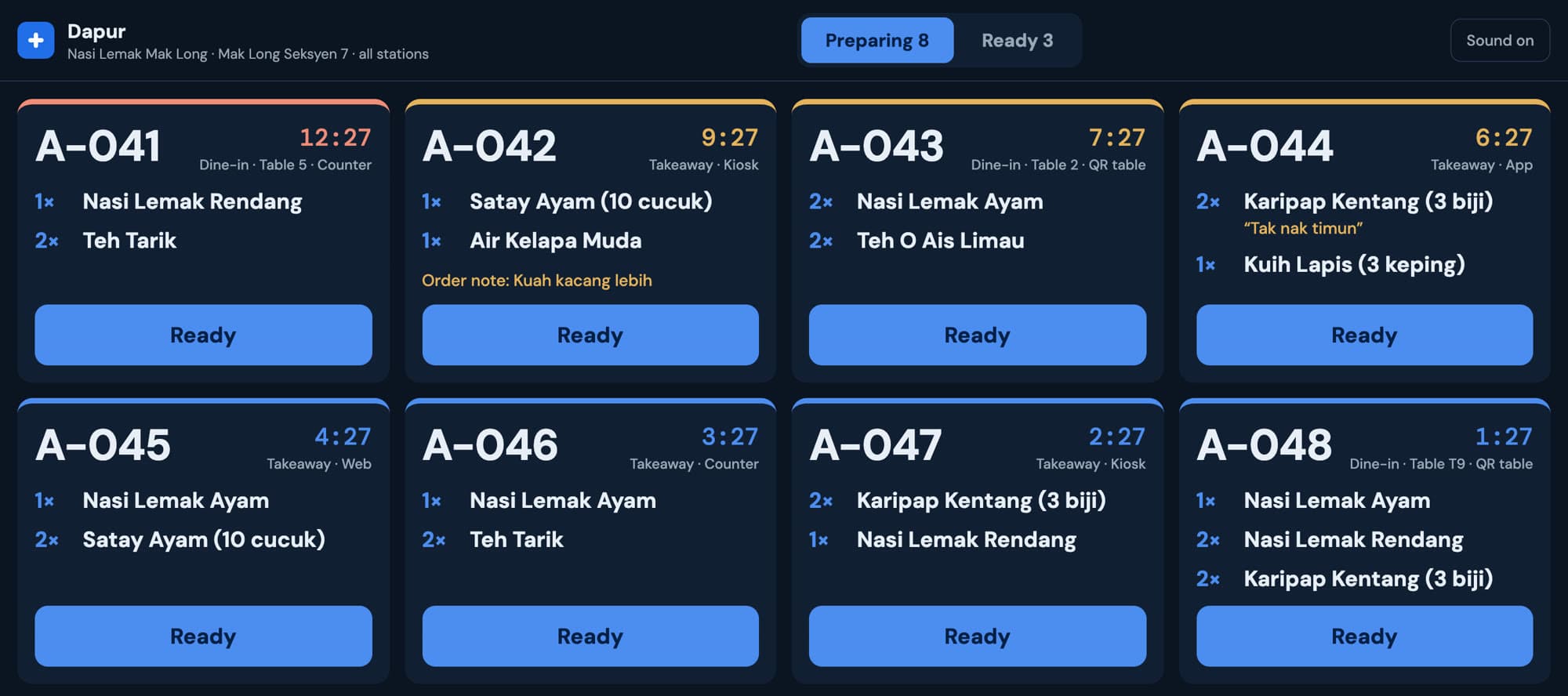
Straight to the kitchen, with the table on the ticket

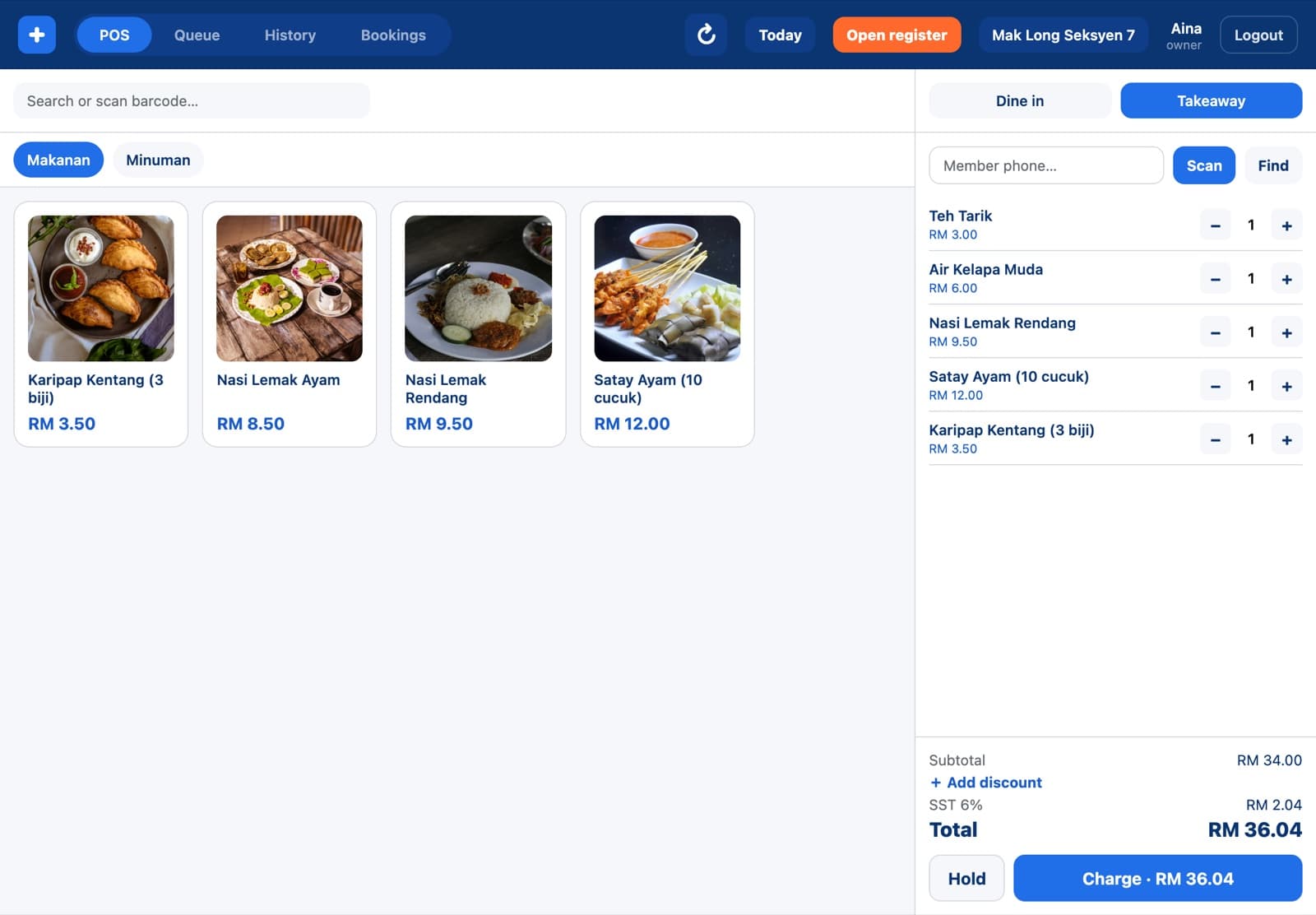
Paid QR orders go straight to the kitchen screen labelled with the table. If you let guests pay at the counter, the order still goes to the kitchen and shows as unpaid on the POS.

  • Shown as QR table in your reports
  • Members collect points when they sign in
  • Online payments go to your own account
Kitchen ticket for Table 2 from a QR order

Set up in an afternoon

  1. 1

    Add your tables

    In Merchant Admin, open Tables & QR and add tables per branch.

  2. 2

    Print the codes

    Print the QR sheet and stick a code on each table.

  3. 3

    Take orders

    Guests scan, order and pay. The kitchen sees the table number.

Questions about QR table ordering

Something else? Ask us.

Do guests need to download an app?

No. The QR code opens your menu in the phone's browser.

Can guests pay with cash?

Yes, if you turn on paying at the counter. The order goes to the kitchen unpaid and your cashier takes payment.

What if guests move to another table?

They scan the code on the new table. Each code belongs to one table at one branch.

Which plan includes QR ordering?

Starter, Growth and Pro.

Works with the rest of Grow+

Same menu, same stock, same members, across every screen.

Try QR table ordering free for 14 days

Every new business gets 14 days of Growth. No card needed.