Grow+

Stock and inventory

Stock that counts itself, at every branch

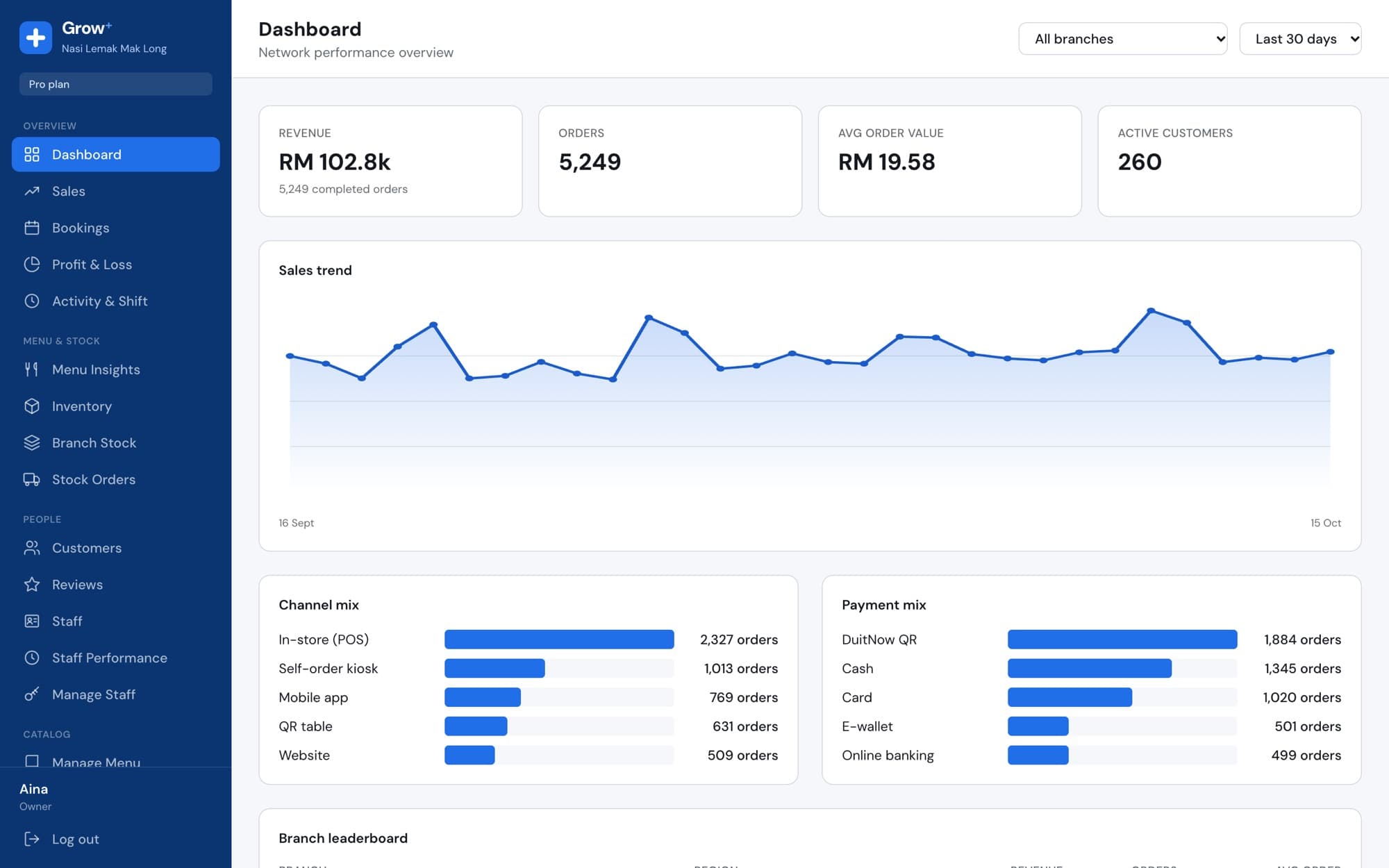
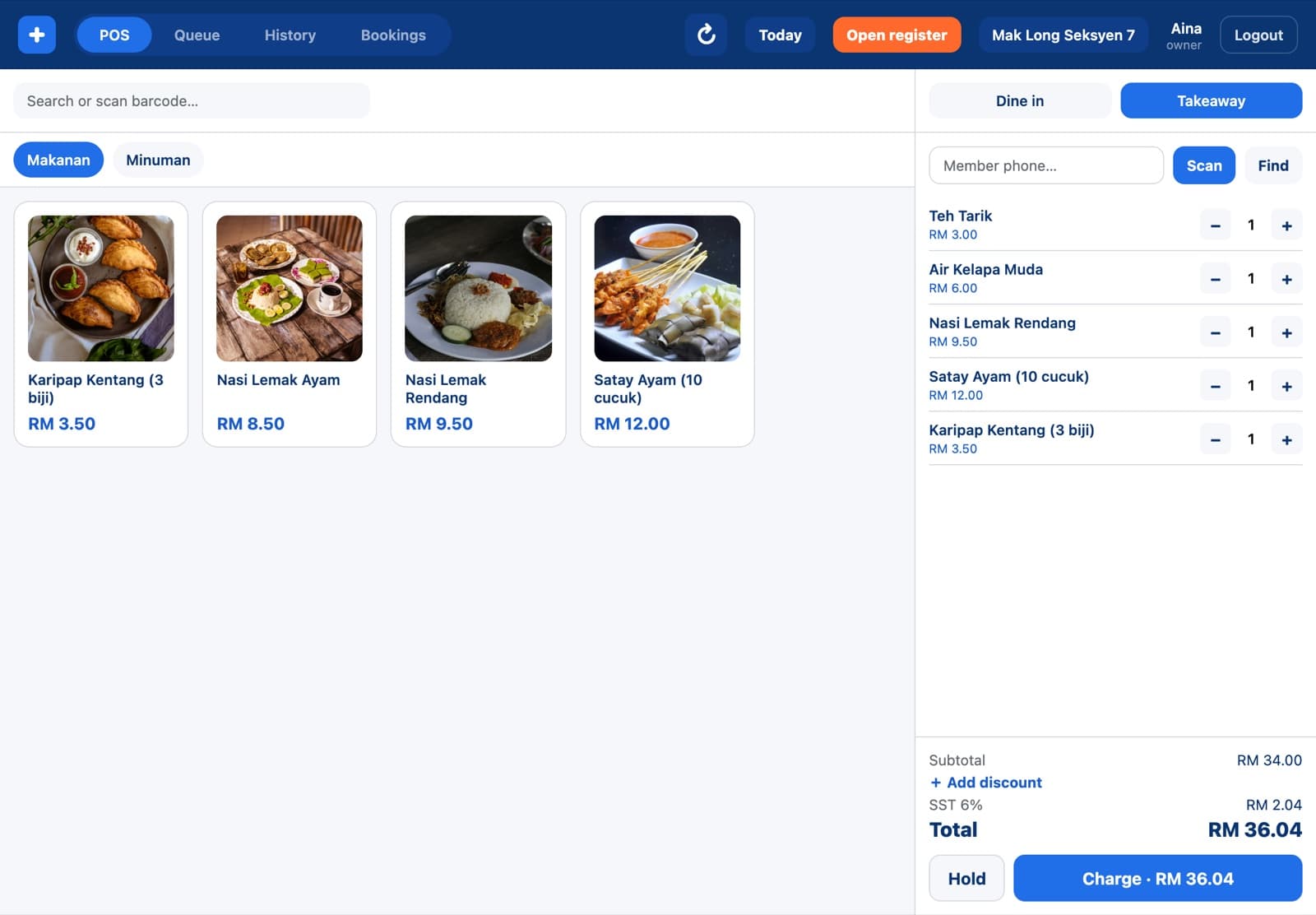
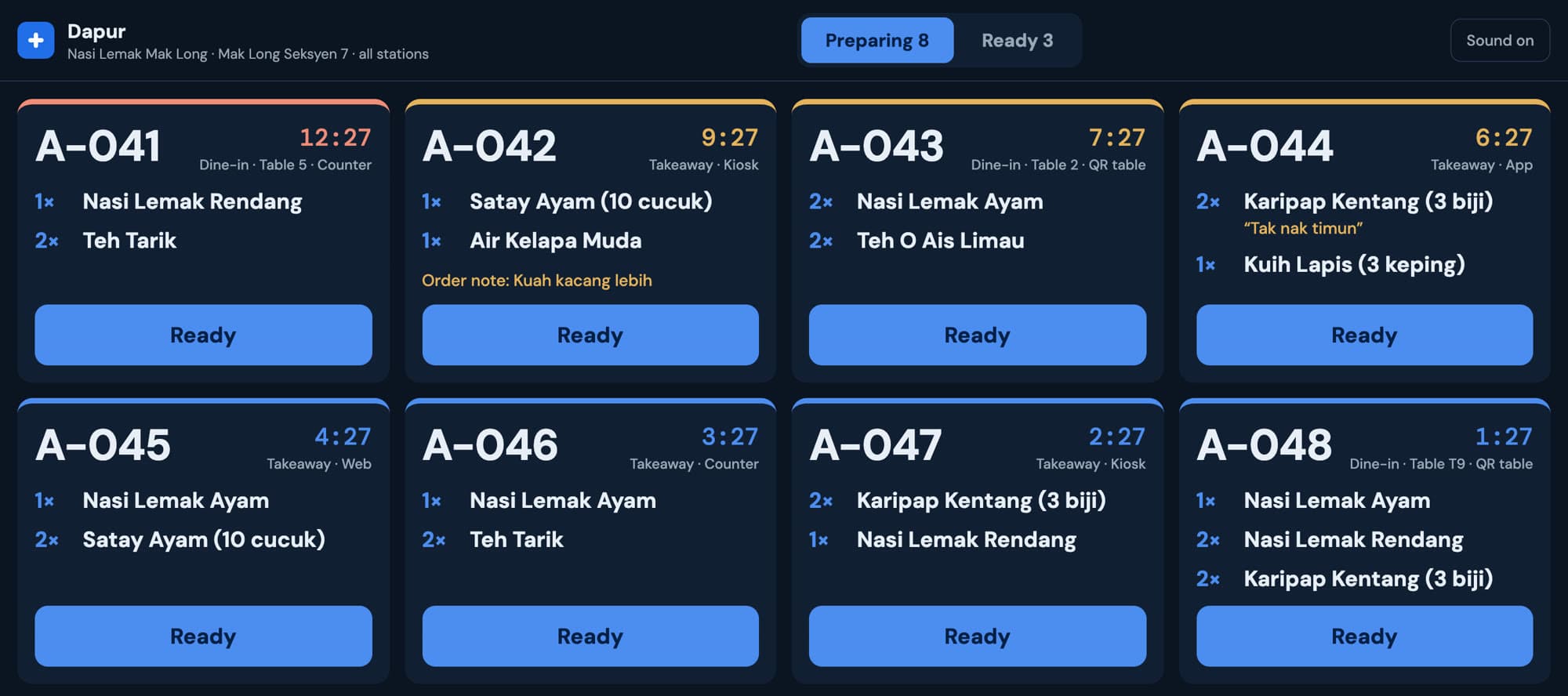
Every sale takes stock off the shelf of the branch that sold it. You see what's low before the lunch rush, and branches order what they need from HQ in the same system.

cloud.growplus.my/inventory
Merchant Admin inventory with low and critical items by branch

Included in Starter, Growth and Pro. Compare plans

See what's low before it runs out

Set a par level for each item at each branch. Grow+ shows stock against par and flags items as low or critical, and sends a daily email with the list.

  • Ingredients and supplies in their own units: kg, pcs, tins
  • Healthy, low and critical at a glance
  • Filter by branch
cloud.growplus.my/inventory
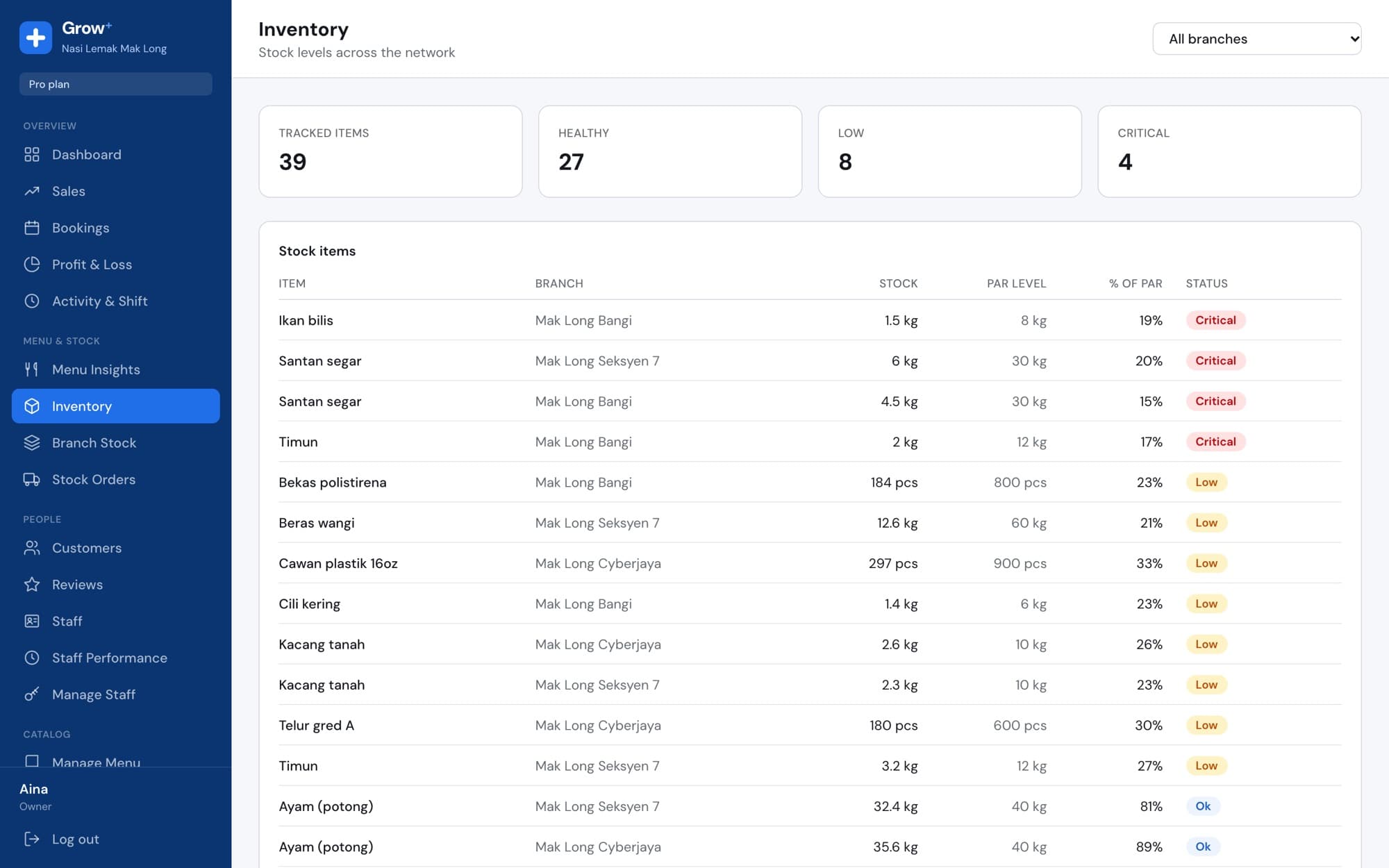
Inventory list with santan, ikan bilis and timun marked critical

Product stock per branch

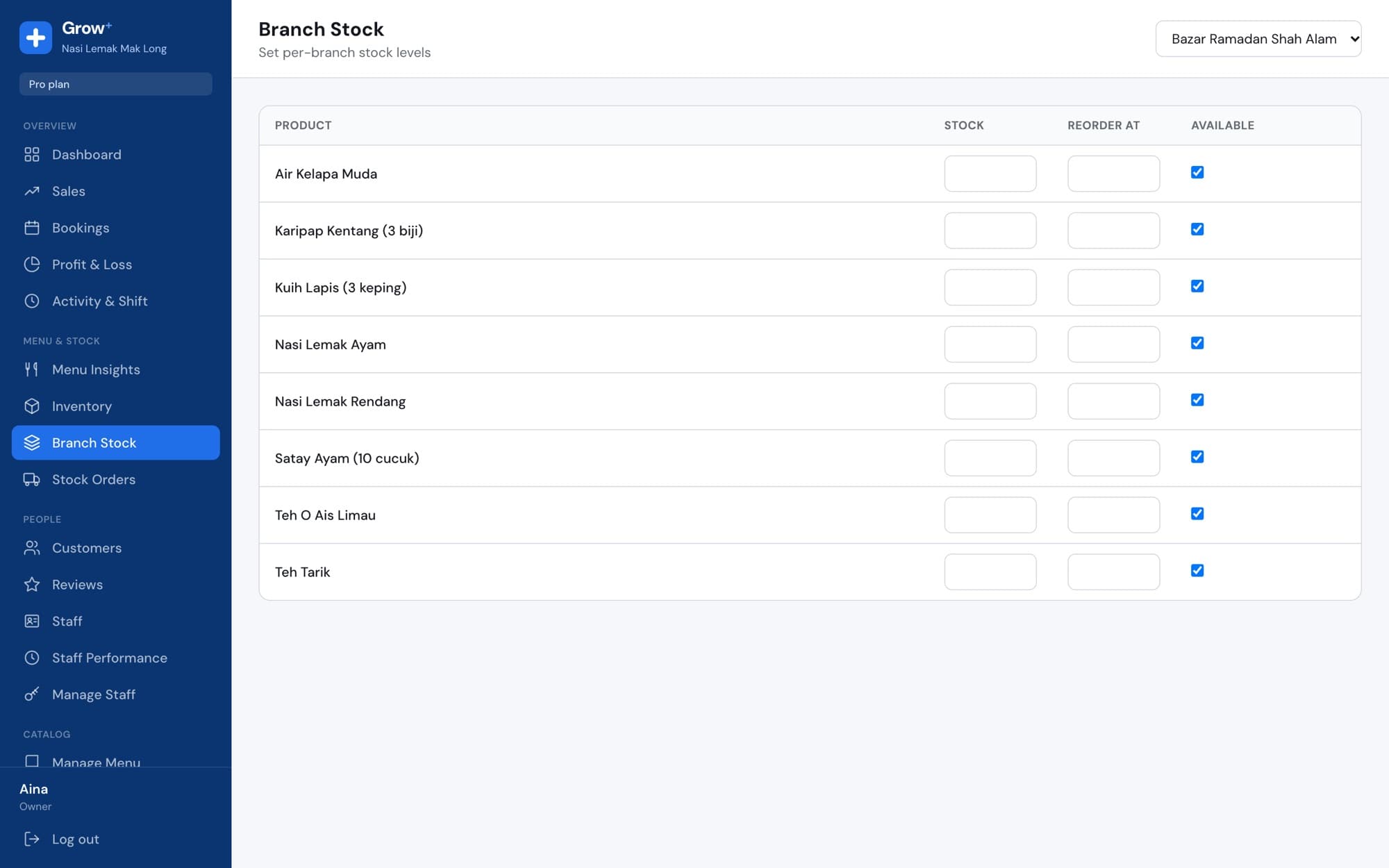
For items you sell as they are, like canned drinks or retail products, track units on hand and a reorder point per branch. Sold out at one branch doesn't mean sold out everywhere.

  • Stock goes down with every sale
  • Reorder point per branch
  • Sizes and colours tracked separately for retail
cloud.growplus.my/branch-stock
Branch stock levels for products

Restock orders from branch to HQ

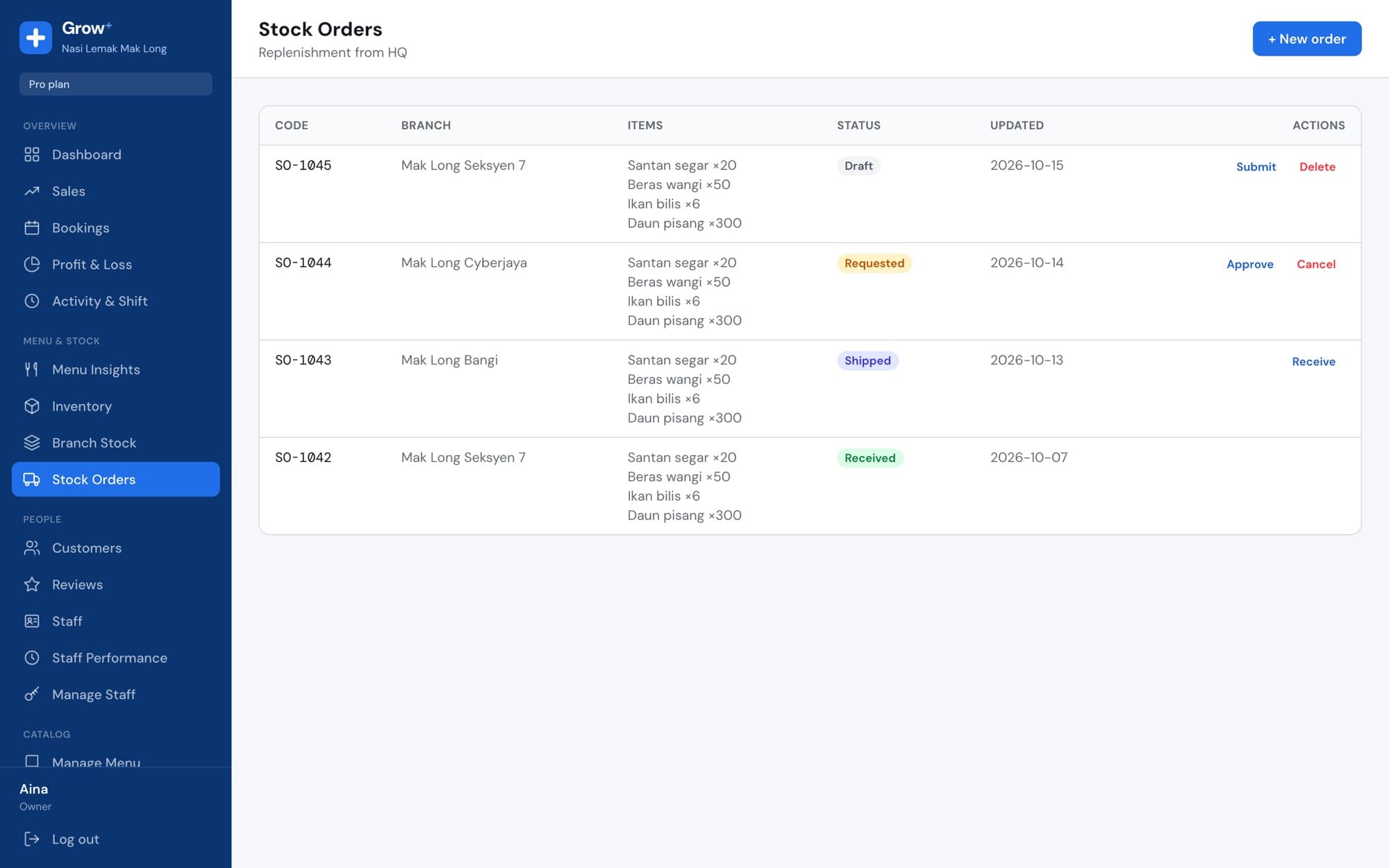
A branch drafts a stock order and submits it. HQ approves and ships it, and the branch receives it into stock. Every order keeps its status and dates.

  • Draft, requested, approved, shipped, received
  • Quantities requested, shipped and received
  • Unit cost kept for your margins
cloud.growplus.my/stock-orders
Stock orders from three branches at different stages

Know your real margin

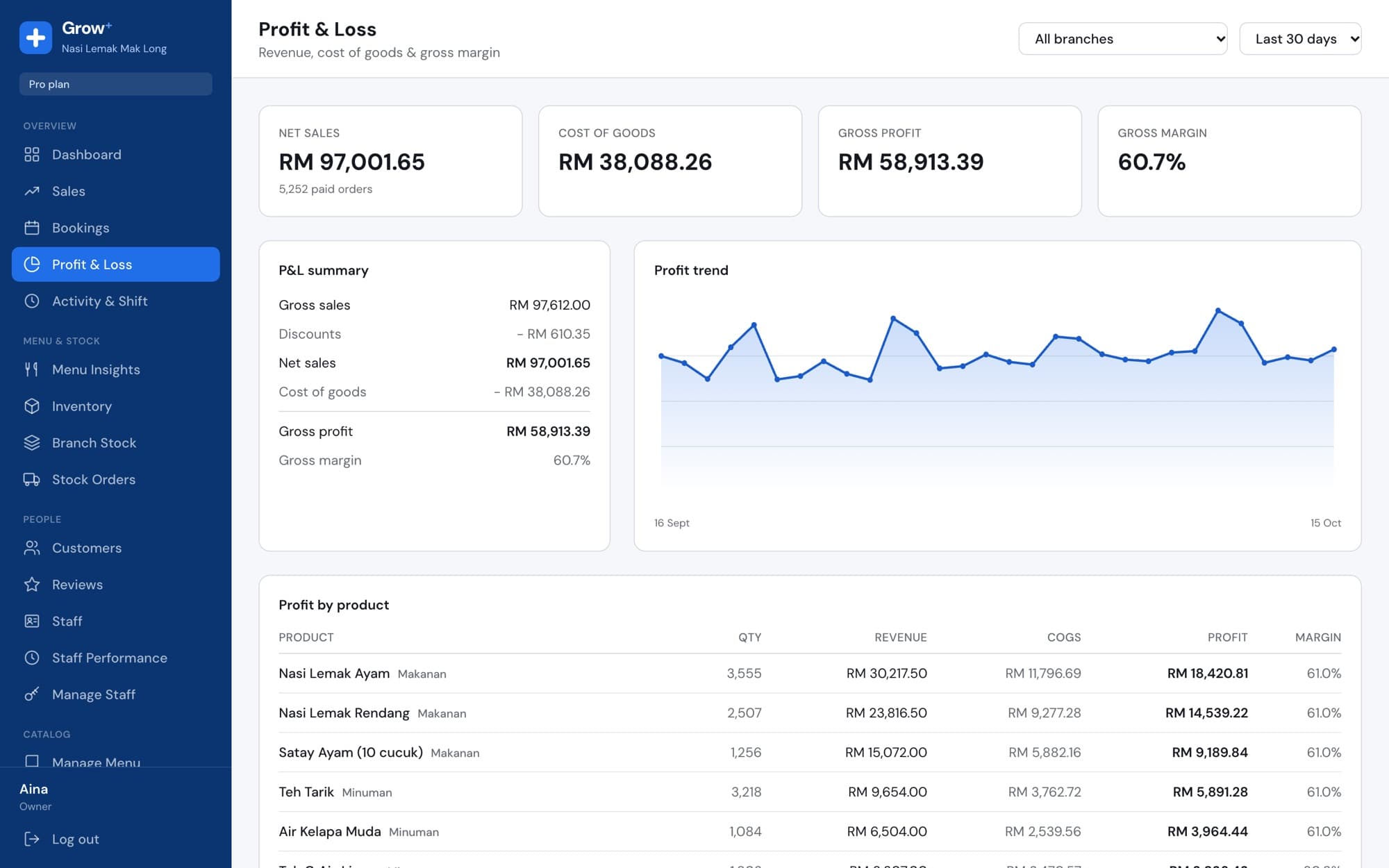
With recipes on Growth and Pro, each item knows what goes into it. Profit & Loss shows cost of goods and gross margin for every product.

  • Cost of goods per item and per order
  • Gross profit and margin by product
  • By branch and date range
cloud.growplus.my/profit
Profit and loss with RM 97,001 net sales and 60.7% gross margin

Set up in an afternoon

  1. 1

    Add your stock items

    Ingredients, supplies and products with units and costs.

  2. 2

    Set par levels

    How much each branch should keep on hand.

  3. 3

    Let sales do the counting

    Stock goes down with every sale. Restock when Grow+ tells you.

Questions about stock and inventory

Something else? Ask us.

Does stock go down automatically?

Yes. Products go down with every sale at that branch. With recipes on Growth and Pro, ingredients go down too.

Can I track stock separately for each outlet?

Yes. Every branch has its own stock levels and par levels.

How do I know what to reorder?

Items below par are flagged low or critical in Inventory, and you get a daily low-stock email.

Does it work for retail?

Yes. Track sizes and colours with their own stock and barcodes.

Works with the rest of Grow+

Same menu, same stock, same members, across every screen.

Try stock and inventory free for 14 days

Every new business gets 14 days of Growth. No card needed.