Grow+

Customer app

Your own app, under your name

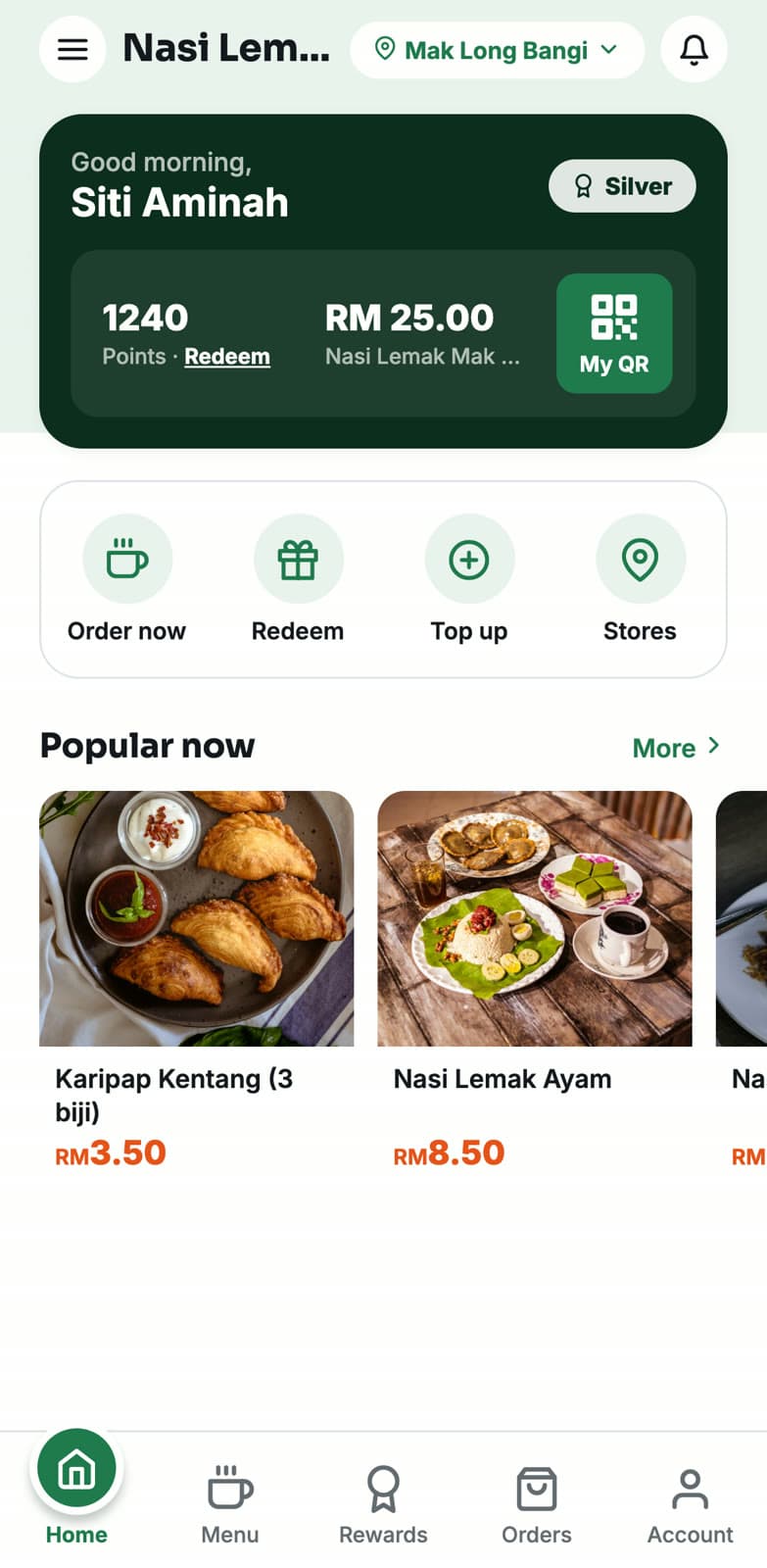
Customers download your app, not a marketplace. It carries your name and icon on the App Store and Google Play, and they order ahead, collect points and top up credit inside it.

9:41
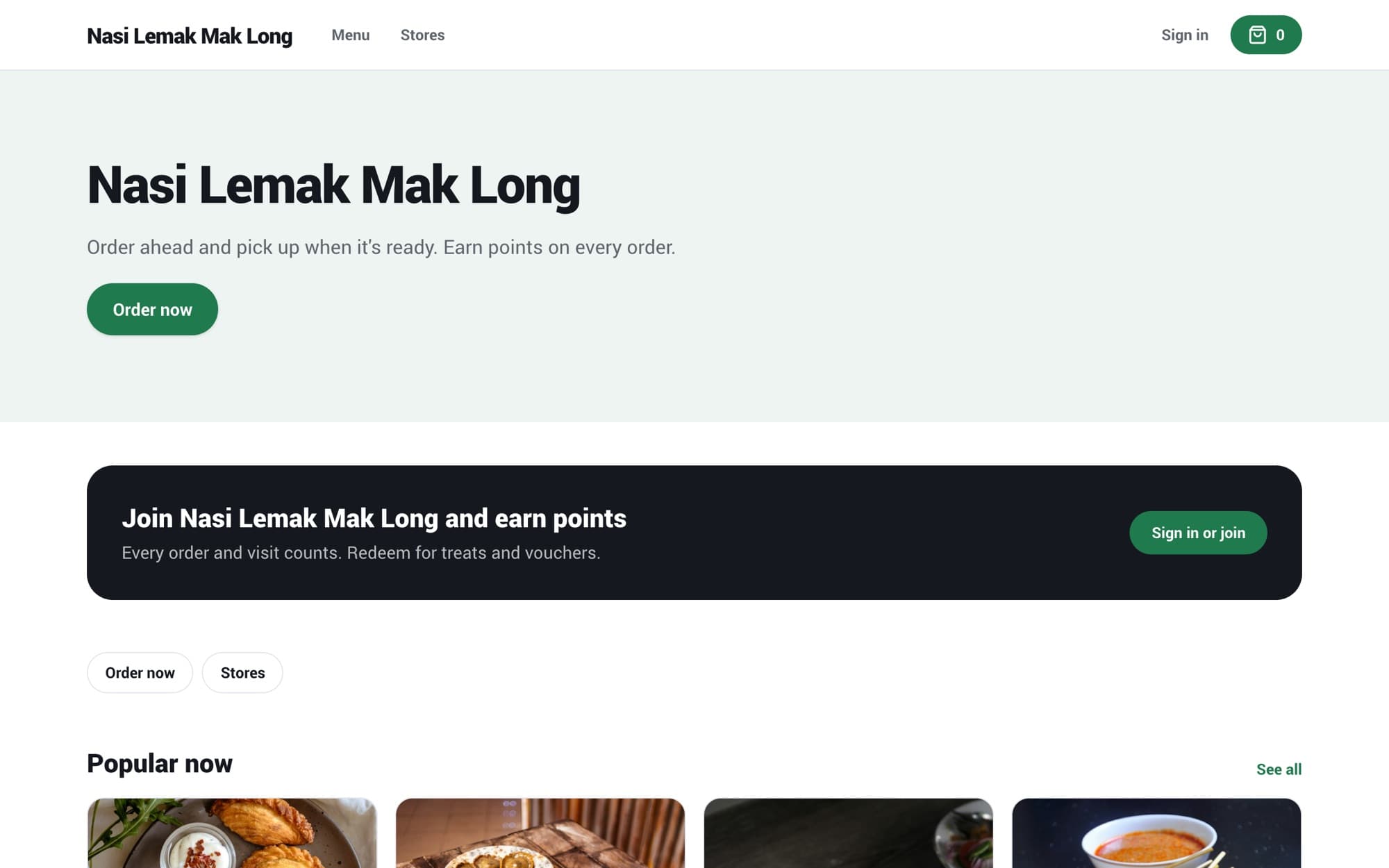
A shop's own app home screen with points, credit and popular items

Included in Pro, or as an add-on. Compare plans

Design it yourself in the App Builder

Pick your brand colour and logo, choose the tabs, and drag the home screen blocks into the order you want. The phone preview updates as you go, and you publish when it's ready.

  • 2 to 5 tabs, with Home and Account always there
  • Home blocks: banners, membership card, quick links, order in progress, featured items
  • Light and dark mode, English and Bahasa Melayu
cloud.growplus.my/app-builder
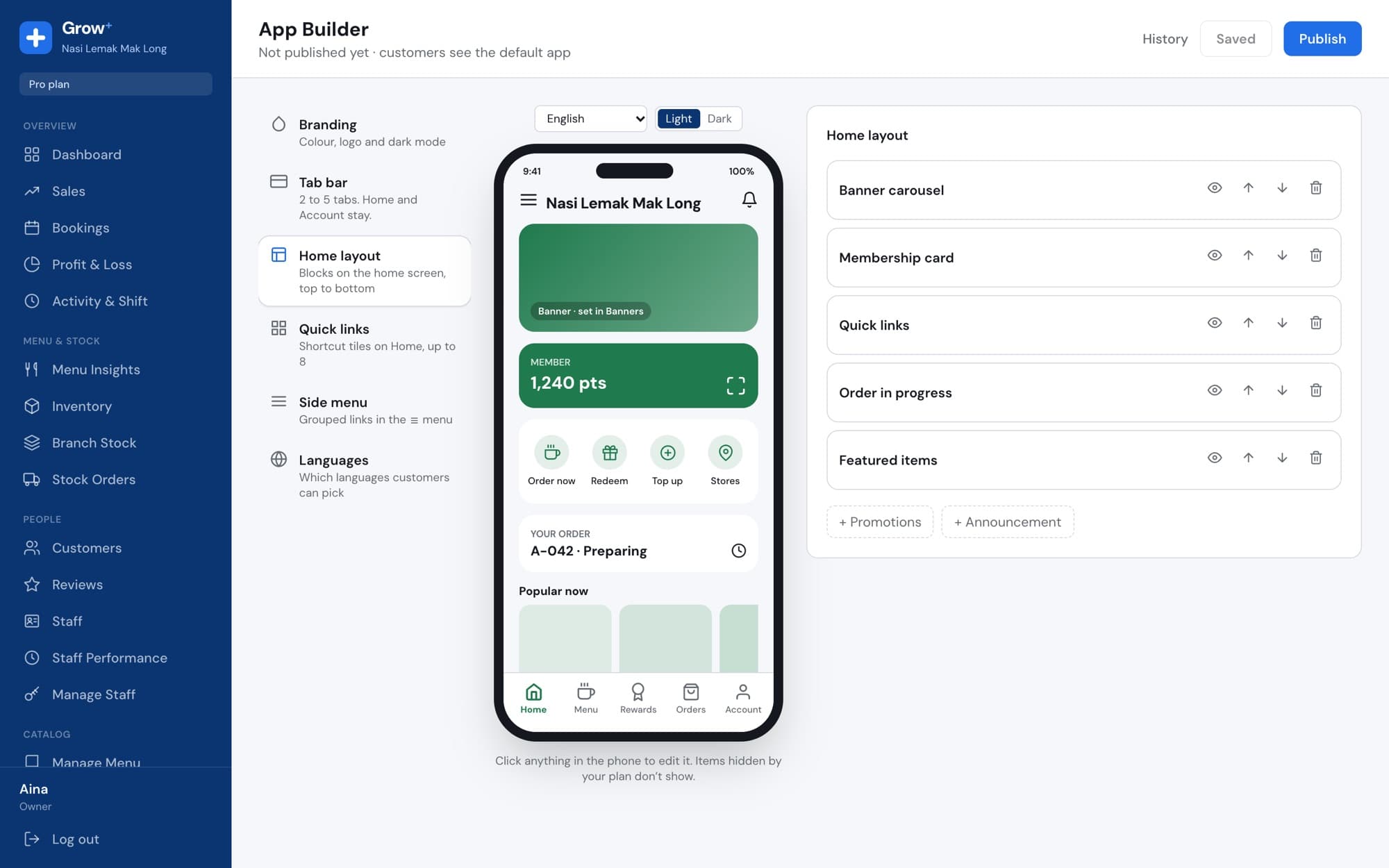
App Builder with a live phone preview of the shop's app

Order ahead and collect

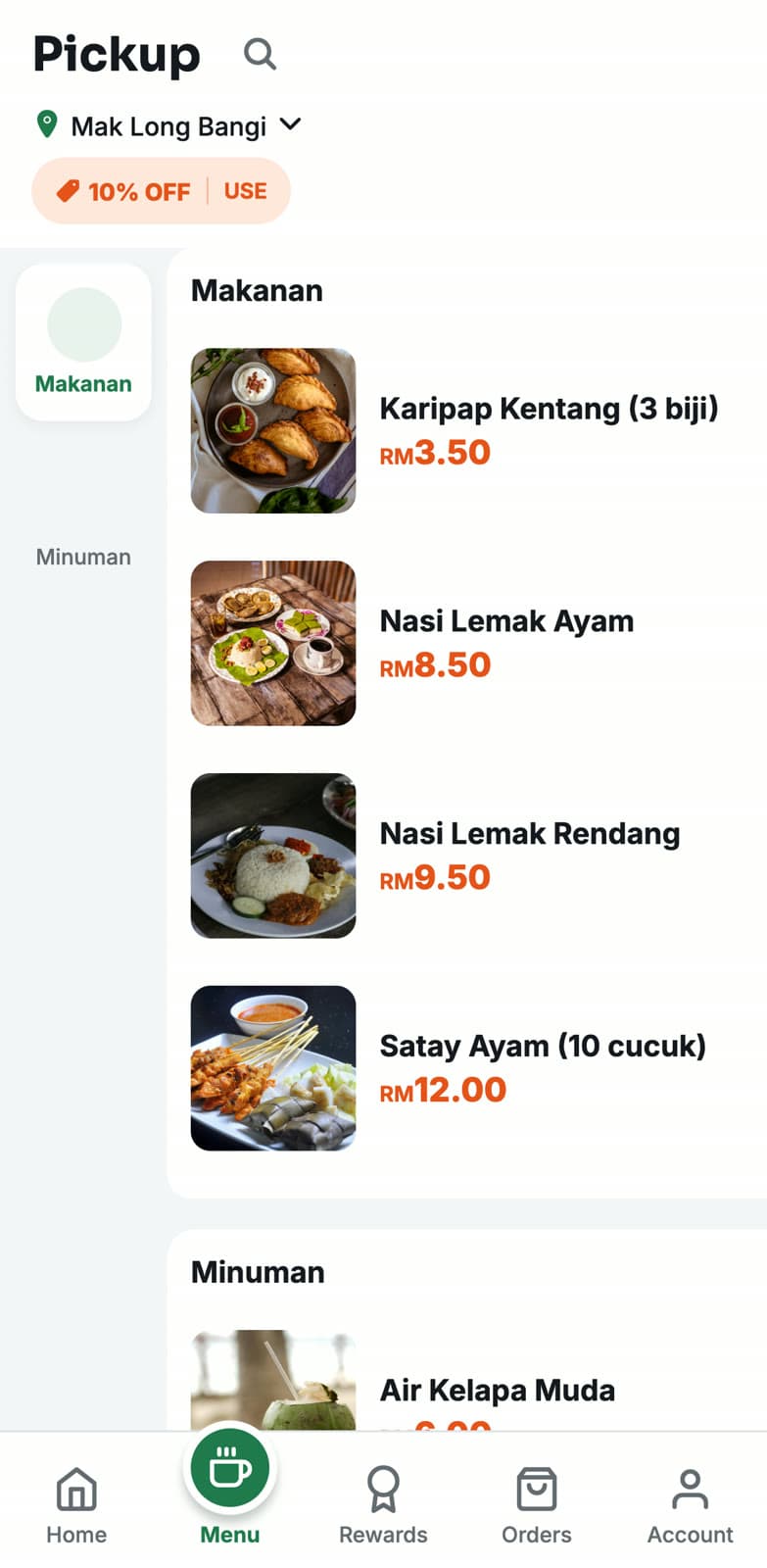
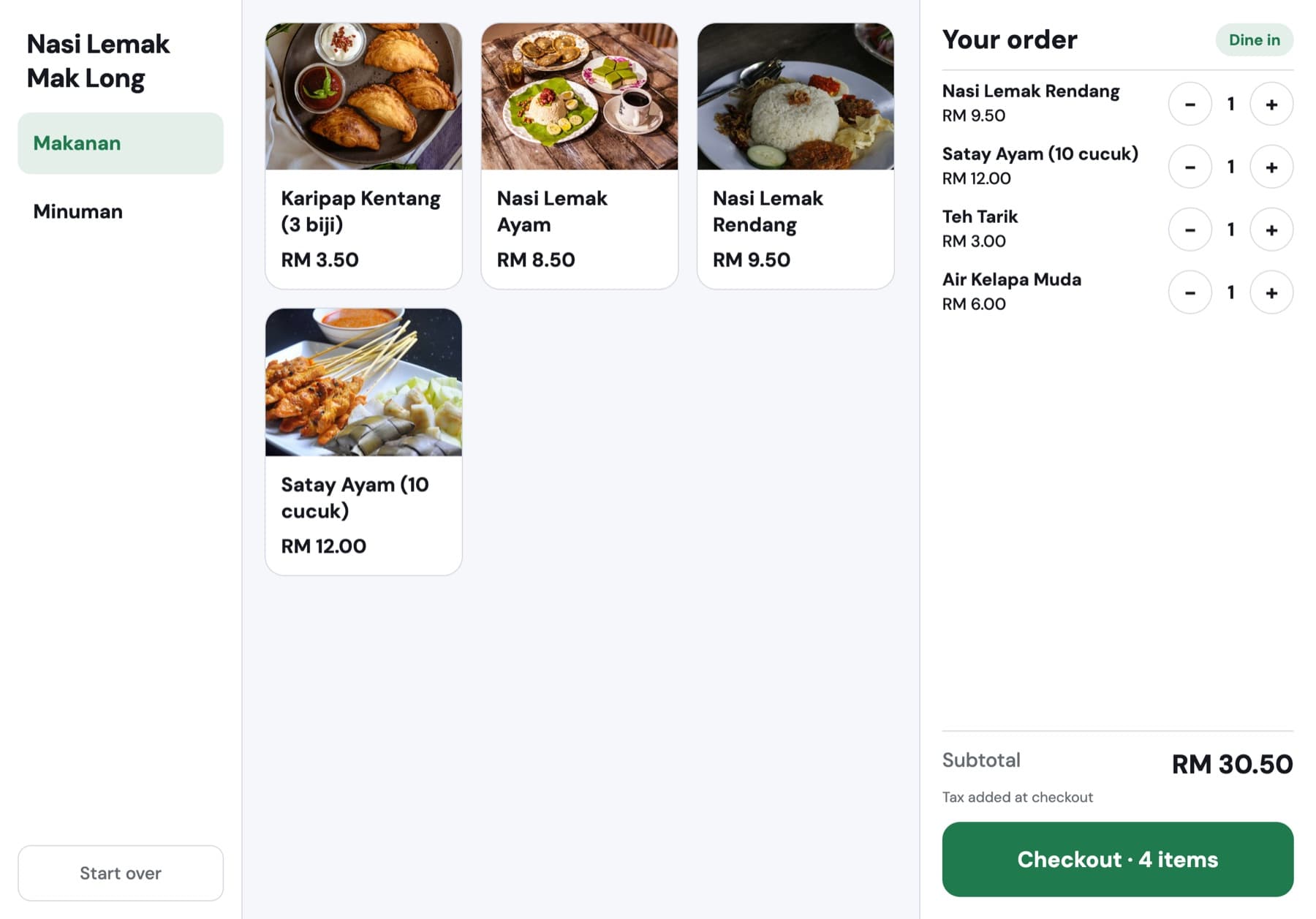
Customers pick the branch, browse your menu with photos and pay in the app. They follow the order until it's ready and collect it without queueing.

  • Pickup from the branch they choose
  • Coupons applied at checkout
  • Order history in the Orders tab
9:41
App menu for pickup at Mak Long Bangi with a 10% off coupon

A reason to come back

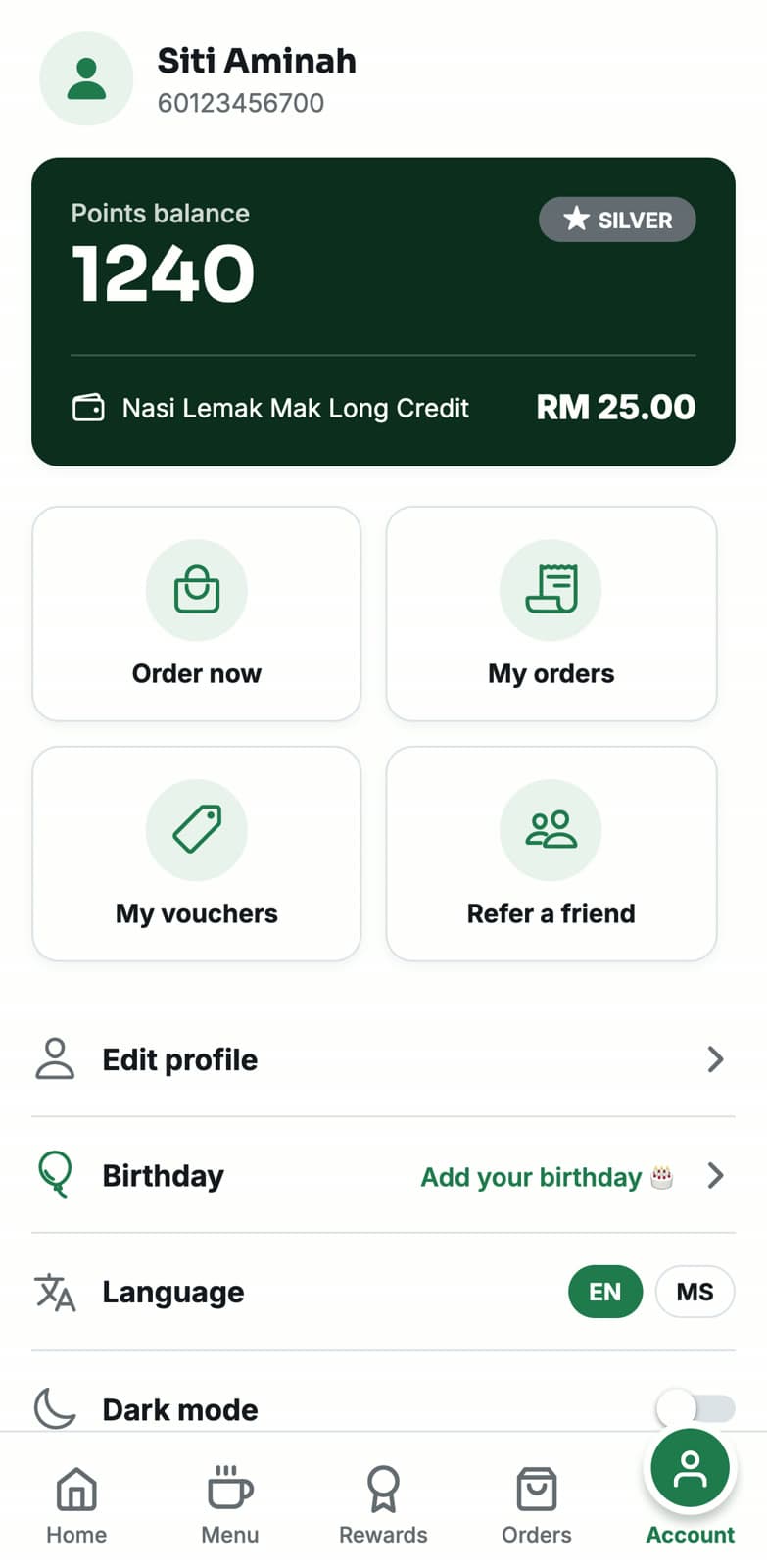
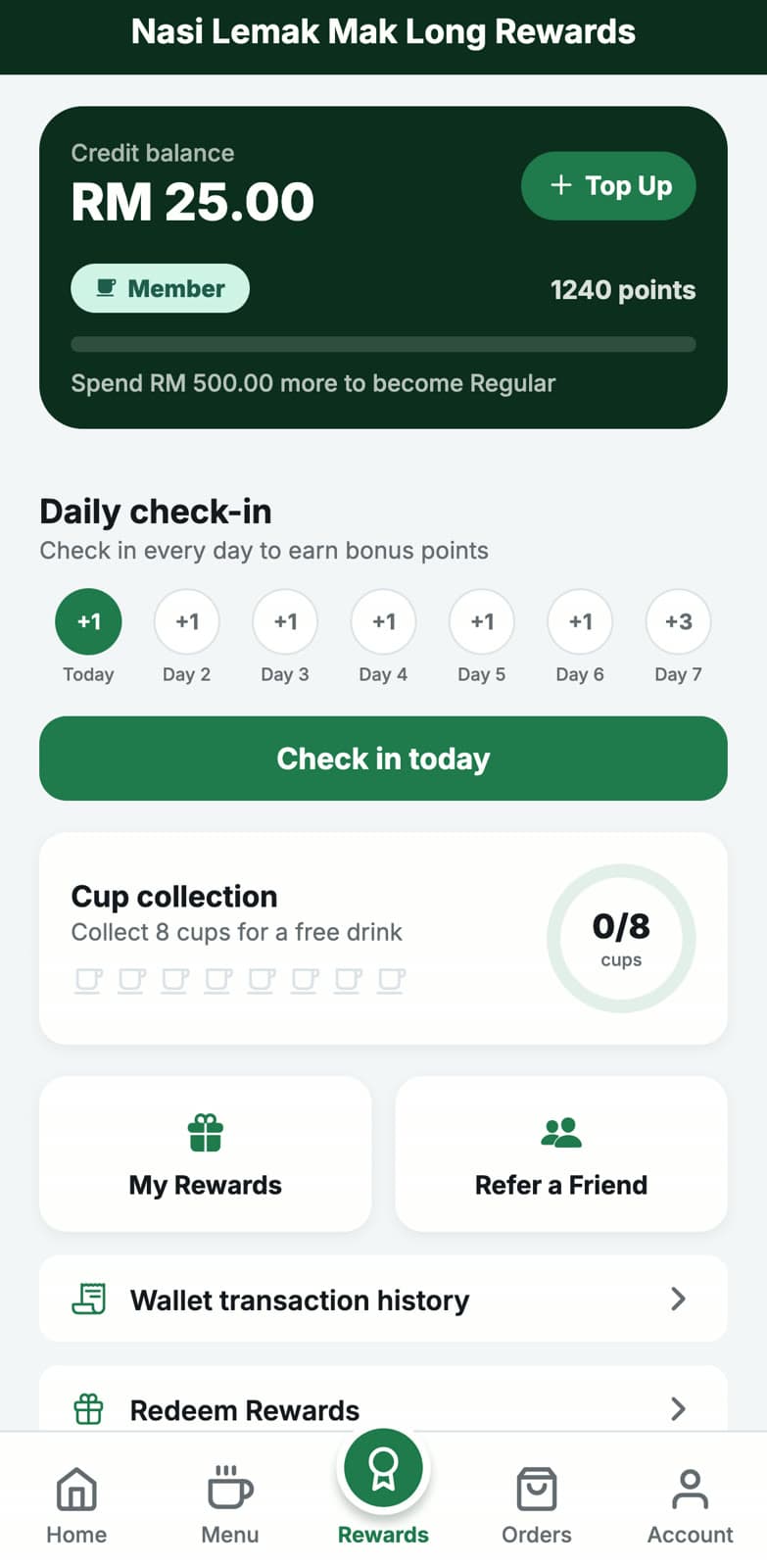
Points on every order, tiers that unlock as they spend, rewards to redeem, stored credit to top up, a daily check-in and a refer-a-friend link. All of it set from Merchant Admin.

  • Credit balance and top-up in the app
  • Member QR to scan at the counter
  • Vouchers, gift cards and referrals
9:41
Rewards tab with RM 25 credit, 1240 points and daily check-in

Published in your name

We build the app and submit it to the App Store and Google Play. Publish from your own developer accounts so the listing is yours, or from ours if you'd rather not set them up.

  • Your app name, icon and screenshots
  • Updates to the App Builder go live without a new download
  • Send push messages to your customers on Pro
9:41
Account screen with points, credit, vouchers and language

Set up in an afternoon

  1. 1

    Design it

    Set colours, logo, tabs and home screen in the App Builder.

  2. 2

    Fill in your listing

    App name, icon, description and store accounts in App Store settings.

  3. 3

    We build and submit

    Your app goes to the App Store and Google Play for review.

Questions about customer app

Something else? Ask us.

Whose name is on the app?

Yours. The app name, icon and listing are your business's. Customers never see a marketplace.

Do I need Apple and Google developer accounts?

We encourage you to publish under your own accounts so the listing belongs to you. If that's a problem, we can publish it under the Grow+ account.

Do you take commission on app orders?

No. Online payments go straight into your own merchant payment account.

Which plan includes the app?

Pro includes it. On Growth you can add the branded app to your plan.

Can I change the design later?

Yes. Change the App Builder and publish. Colours, tabs and home screen update in the app without a new store release. A new name or icon needs a new build.

Works with the rest of Grow+

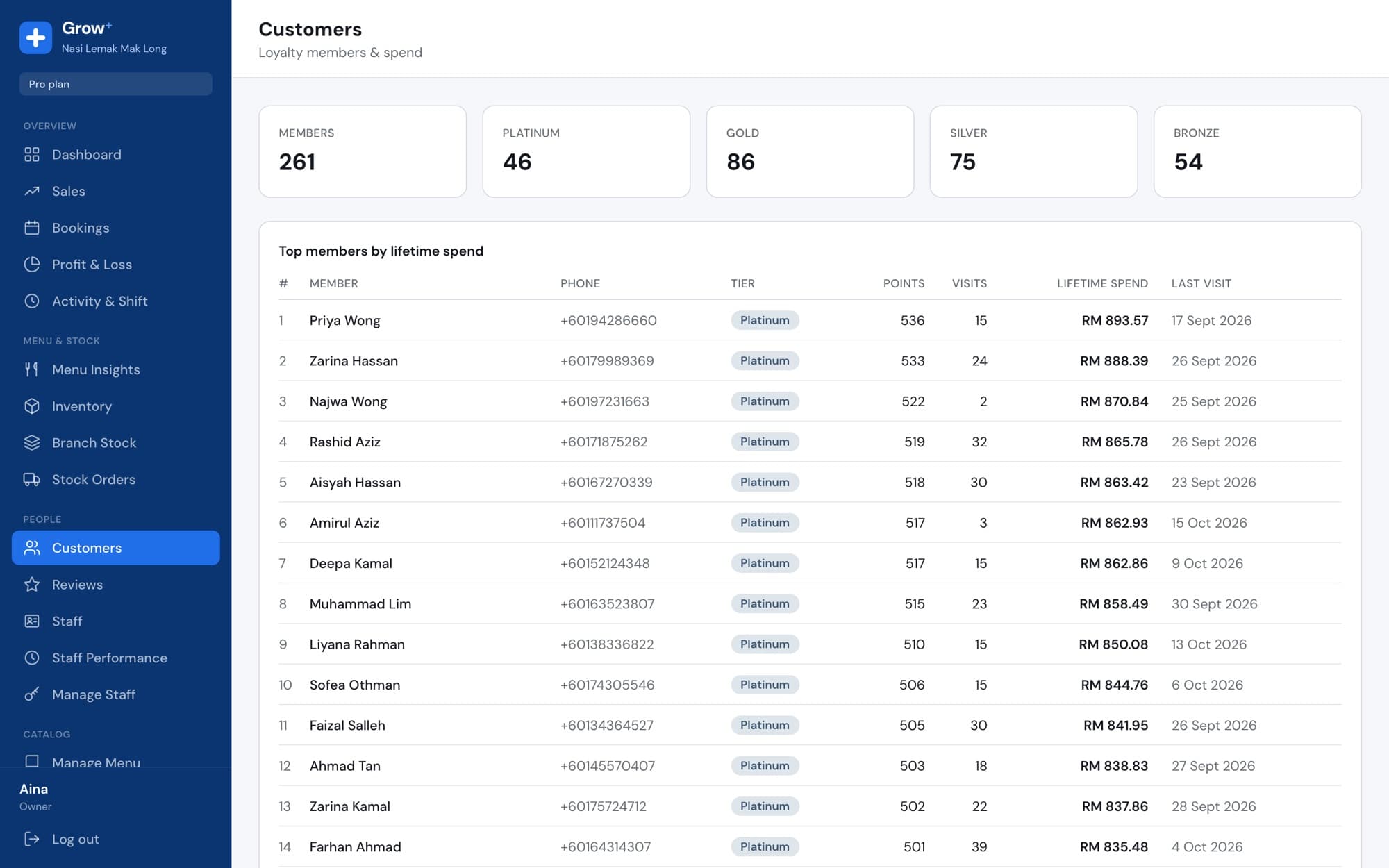
Same menu, same stock, same members, across every screen.

Put your brand on your customers' phones

Customer app comes with Pro. Start with the free trial, then talk to us about your app.