Grow+

Self-order kiosk

Let the queue order itself

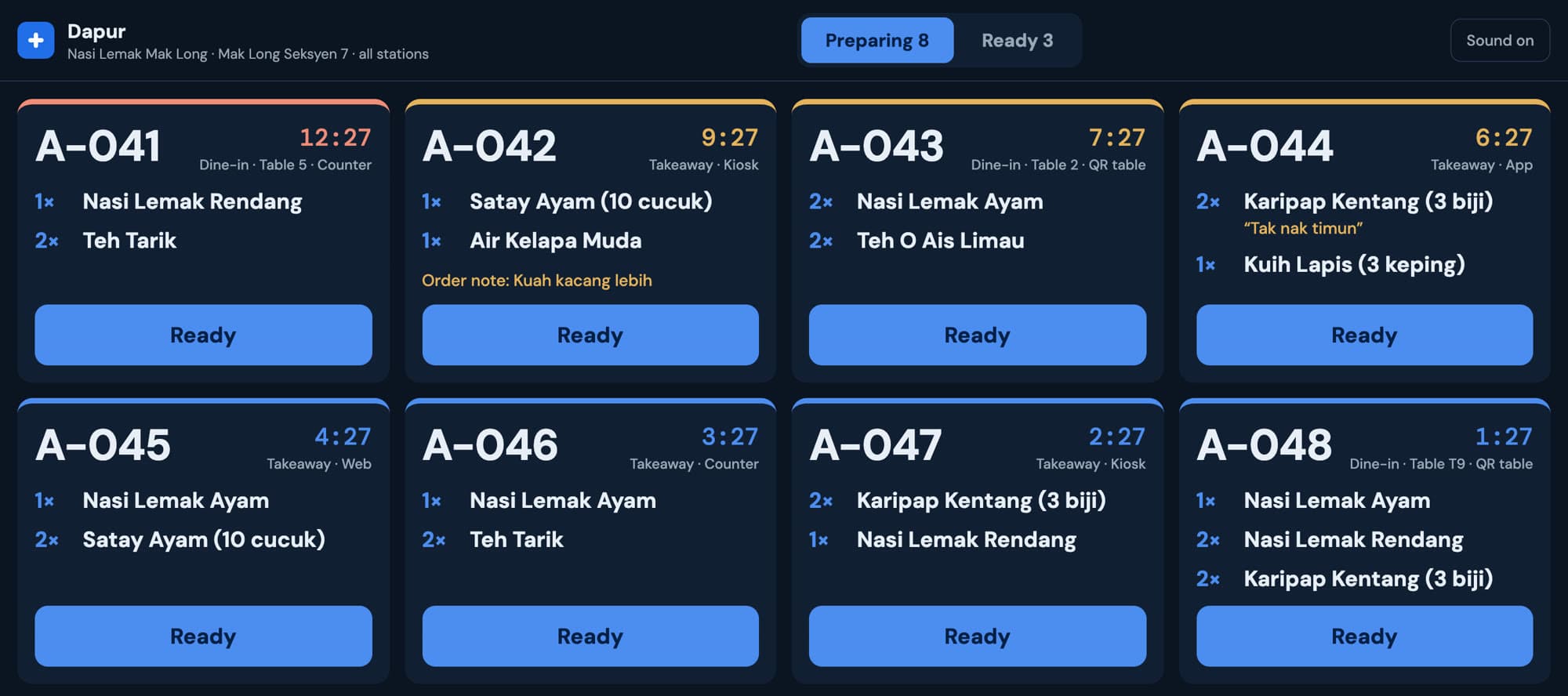
Put a tablet by the door and let customers browse, order and pay on their own. The order goes straight to the kitchen, and your staff keep cooking instead of taking orders.

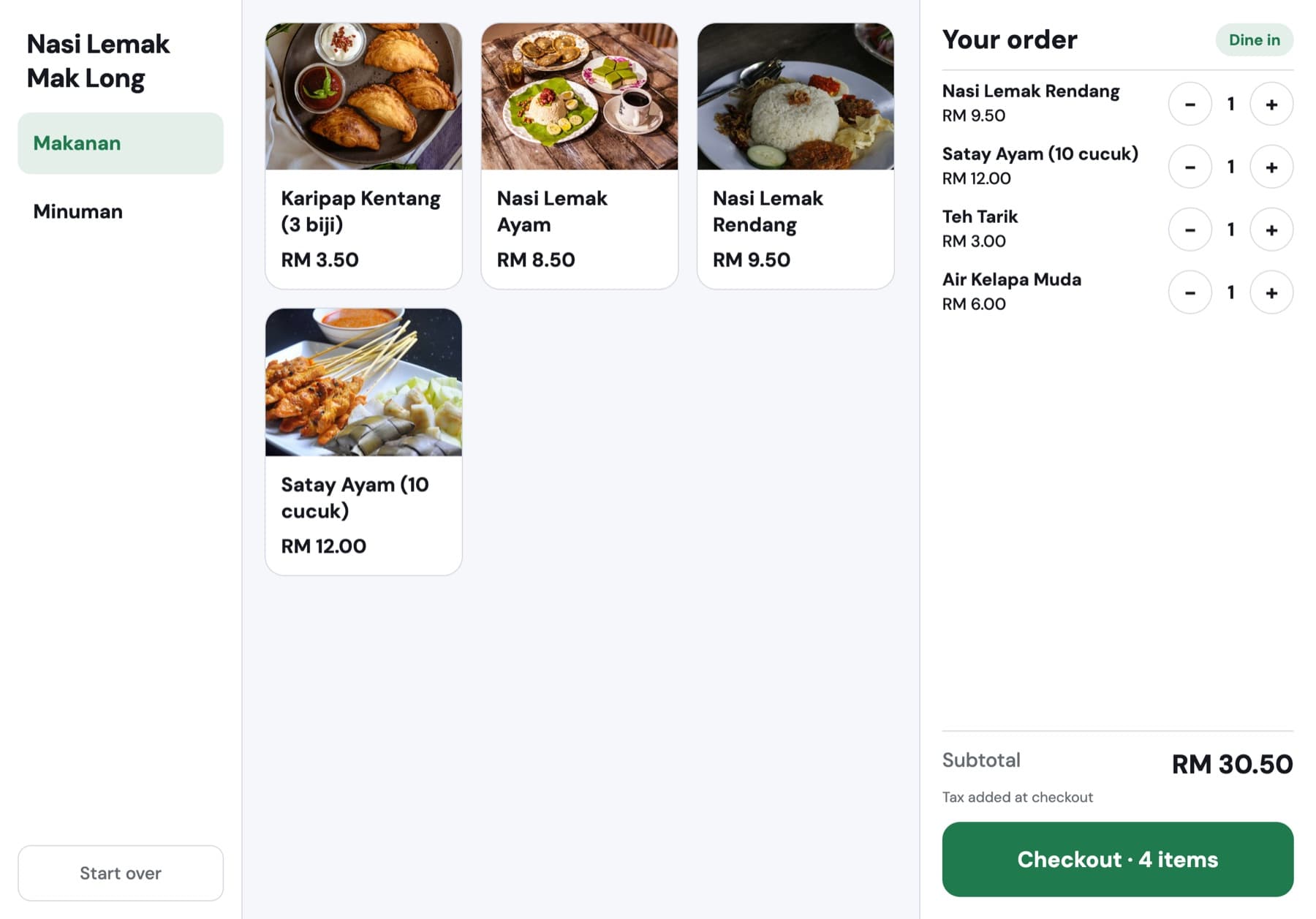
Grow+ self-order kiosk in the shop's green with four items in the order

Included in Growth and Pro. Compare plans

Your name on the screen, not ours

The kiosk opens with your shop name in your brand colour. Customers pick dine in or takeaway, and the order is tagged for the kitchen and the receipt.

  • Brand colour comes from the App Builder
  • Start over at any time to clear the order
  • Runs on an iPad or Android tablet in a stand
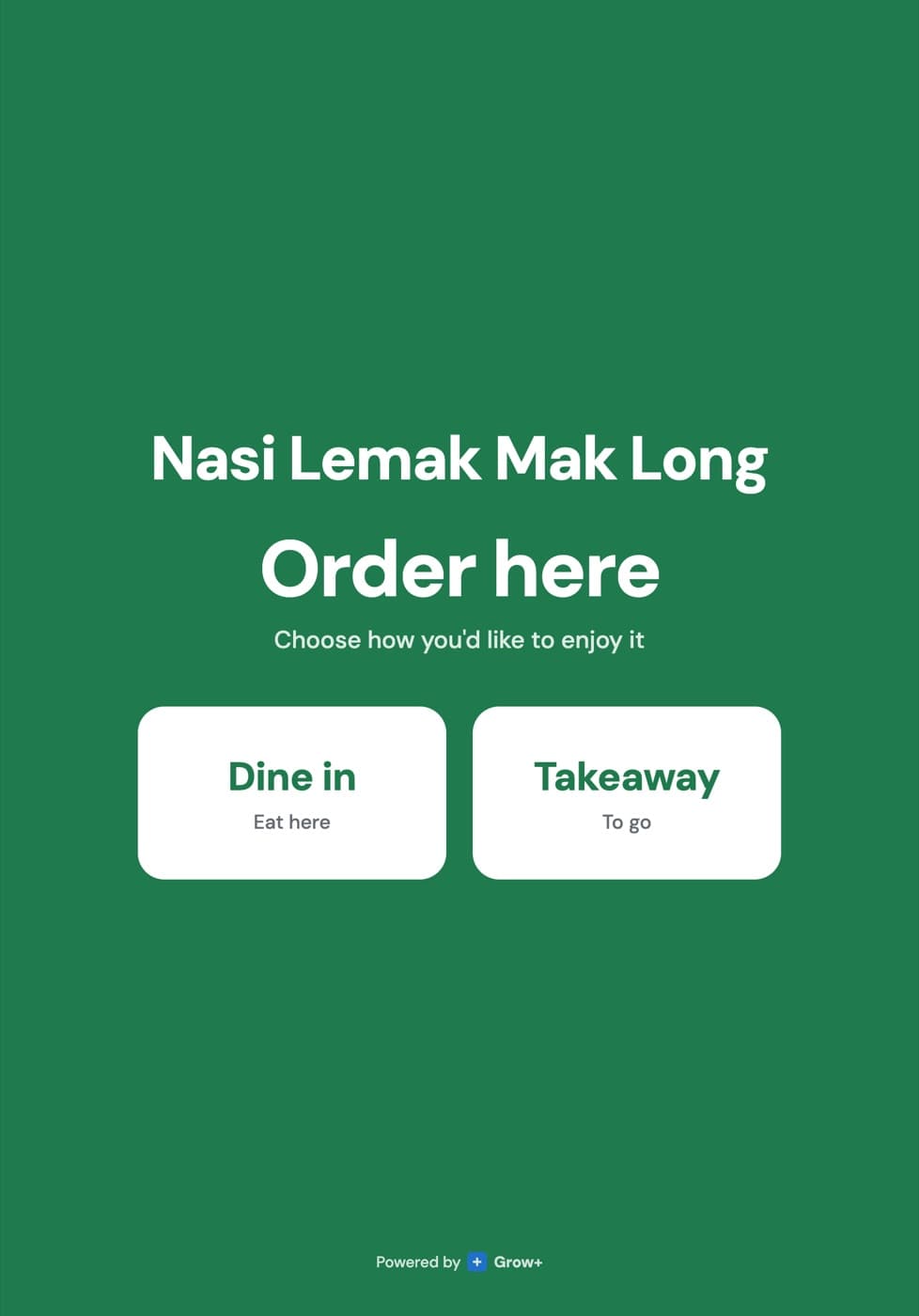
Grow+ kiosk welcome screen asking dine in or takeaway, in green

Photos sell. Big buttons help.

Items show with their photos and prices, grouped by your menu categories. The order builds up on the right with a running subtotal, and quantities change with a tap.

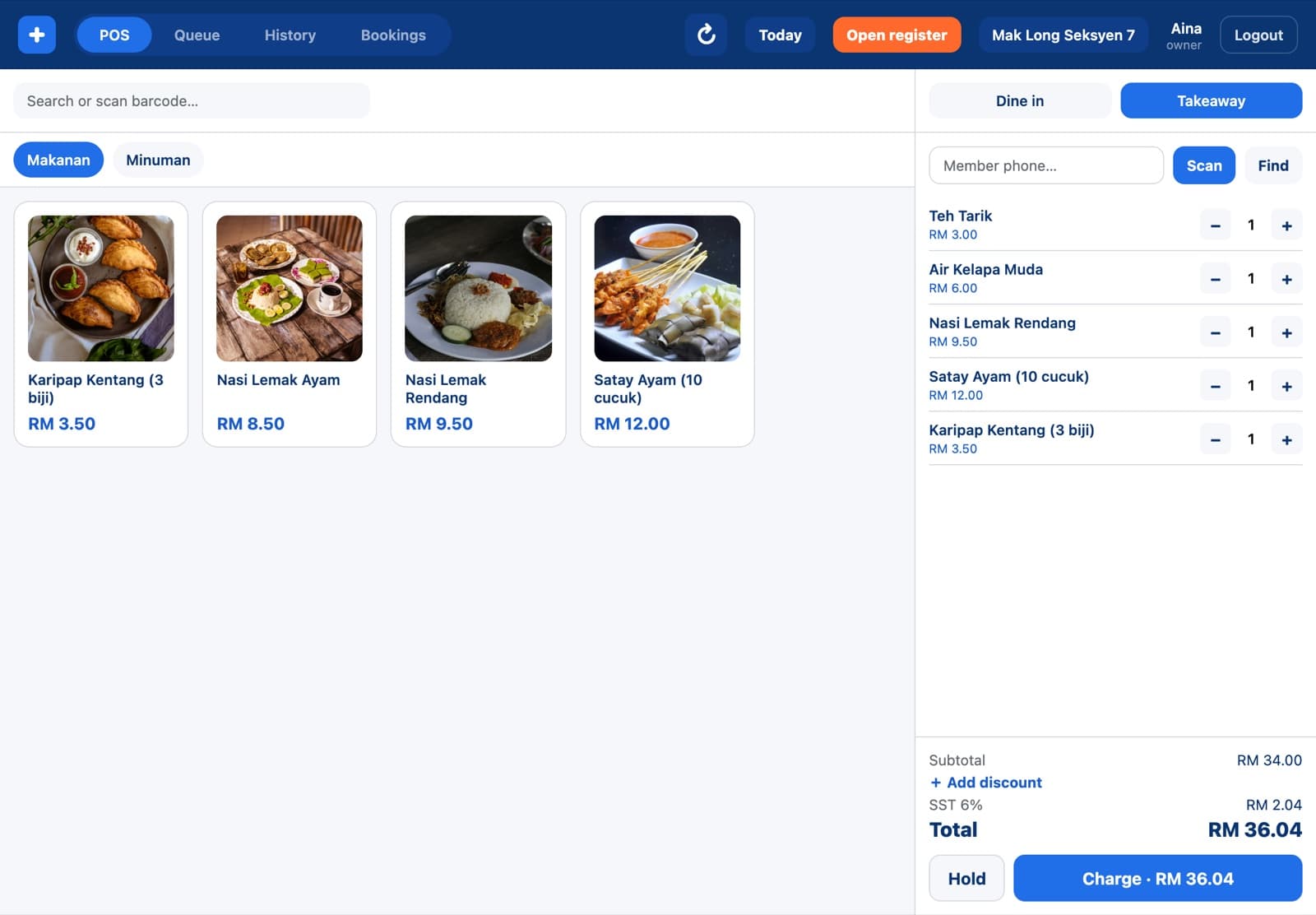
  • Same menu, prices and stock as your counter
  • Items that are sold out at this branch don't show
  • Checkout button shows the item count
Kiosk menu with photos of nasi lemak, satay and karipap

Pay here, or pay at the counter

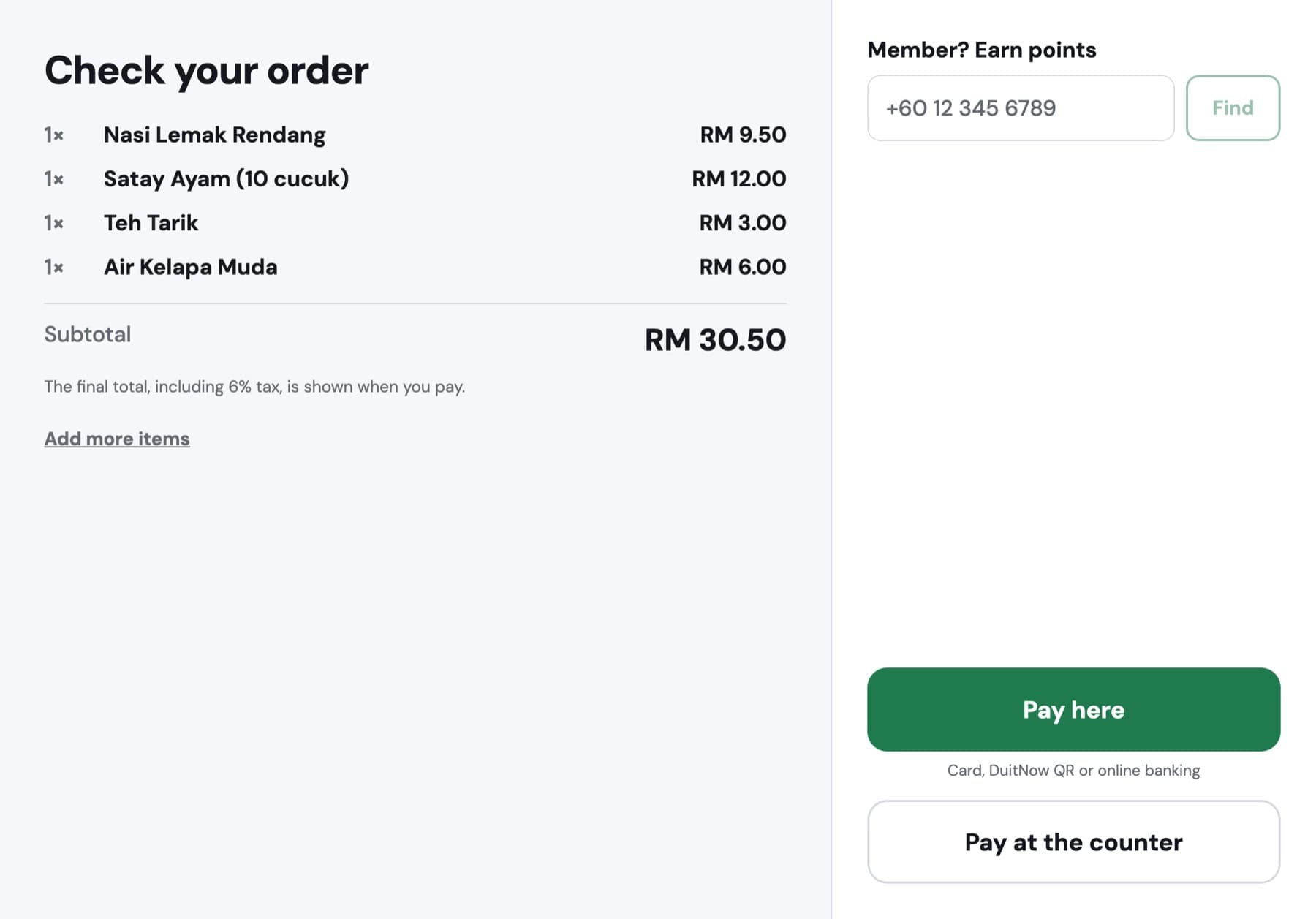
Customers review the order, add their phone number to collect points, then pay by card, DuitNow QR or online banking at the kiosk. Prefer cash? They pay at the counter and the kitchen starts once it's paid.

  • Online payments go into your own merchant account
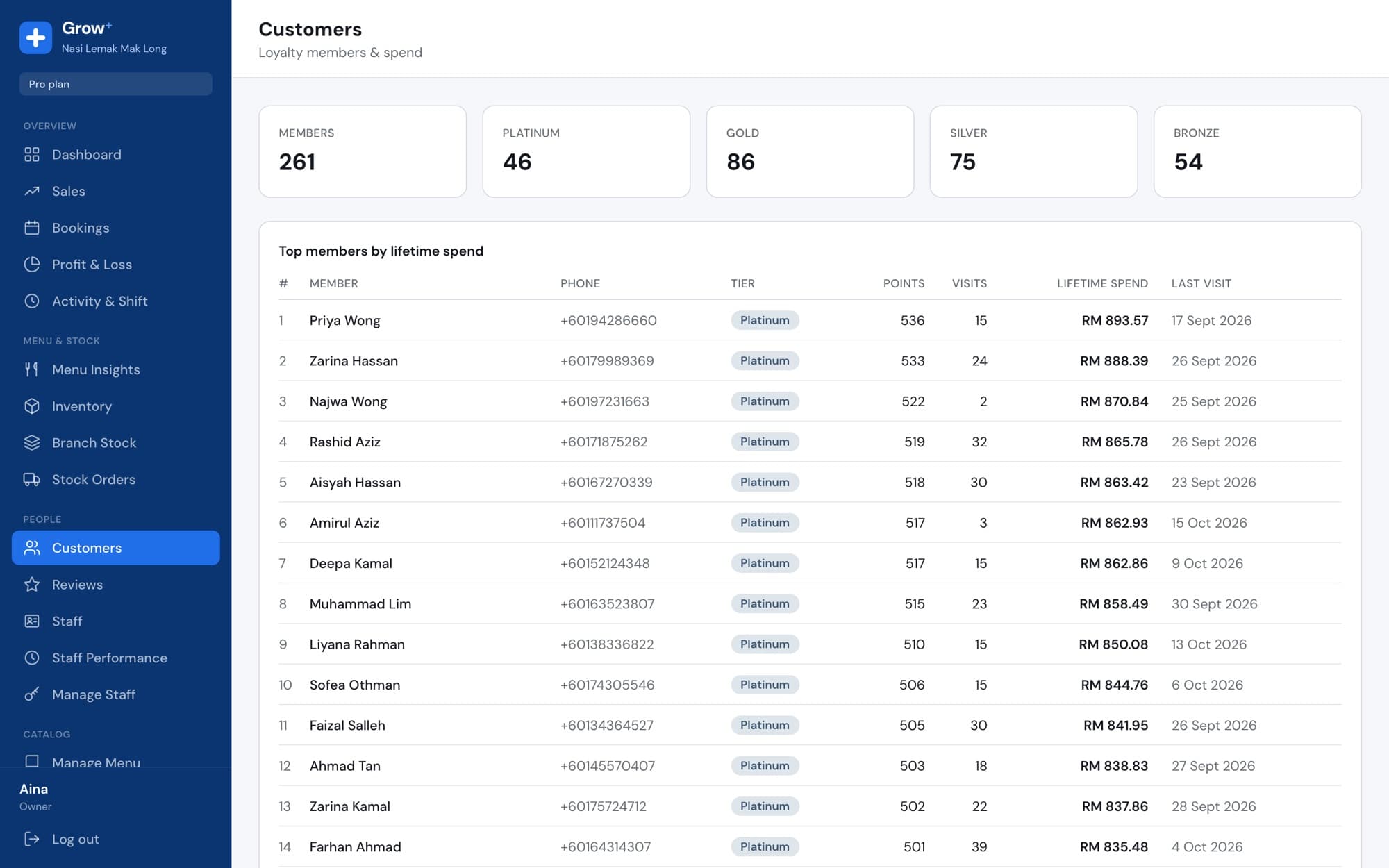
  • Members earn points on kiosk orders
  • The final total with SST is shown before paying
Kiosk checkout screen with member phone number and pay here or at the counter

Set up in an afternoon

  1. 1

    Pick a tablet and stand

    Any iPad or Android tablet works. Mount it where the queue forms.

  2. 2

    Pair it as a kiosk

    Add a kiosk in Devices and type the 6-digit code on the tablet.

  3. 3

    Choose how people pay

    Connect your payment account for card and QR, or let customers pay at the counter.

Questions about self-order kiosk

Something else? Ask us.

Which plan includes the kiosk?

Growth and Pro include one kiosk. You can add more kiosks to your plan.

Can customers pay with cash?

Yes. They choose Pay at the counter, pay your cashier, and the order goes to the kitchen once it's marked paid.

Does the kiosk use my brand colours?

Yes. The colour you set in the App Builder is used on the kiosk and on the order-ready board.

What if an item runs out?

Mark it unavailable for that branch in Merchant Admin and it disappears from the kiosk, the POS and your website.

Works with the rest of Grow+

Same menu, same stock, same members, across every screen.

Try self-order kiosk free for 14 days

Every new business gets 14 days of Growth. No card needed.